
To write a project status report with AI, give the tool your raw project facts (task updates, milestone dates, budget figures, risks and the decisions you need), tell it who the report is for, and ask it to fill a fixed template using only what you supplied. Then check every number, date and status colour yourself before you send it. AI is very good at turning messy notes into a clear update, but it has no idea what actually happened on your project unless you tell it.
This guide walks through a repeatable process for small teams, with copy-paste prompts, a simple template and the checks that stop an AI draft from making your project look healthier (or worse) than it is. If you are new to using AI in project work, start with the overview of how ChatGPT can save project managers hours every week.
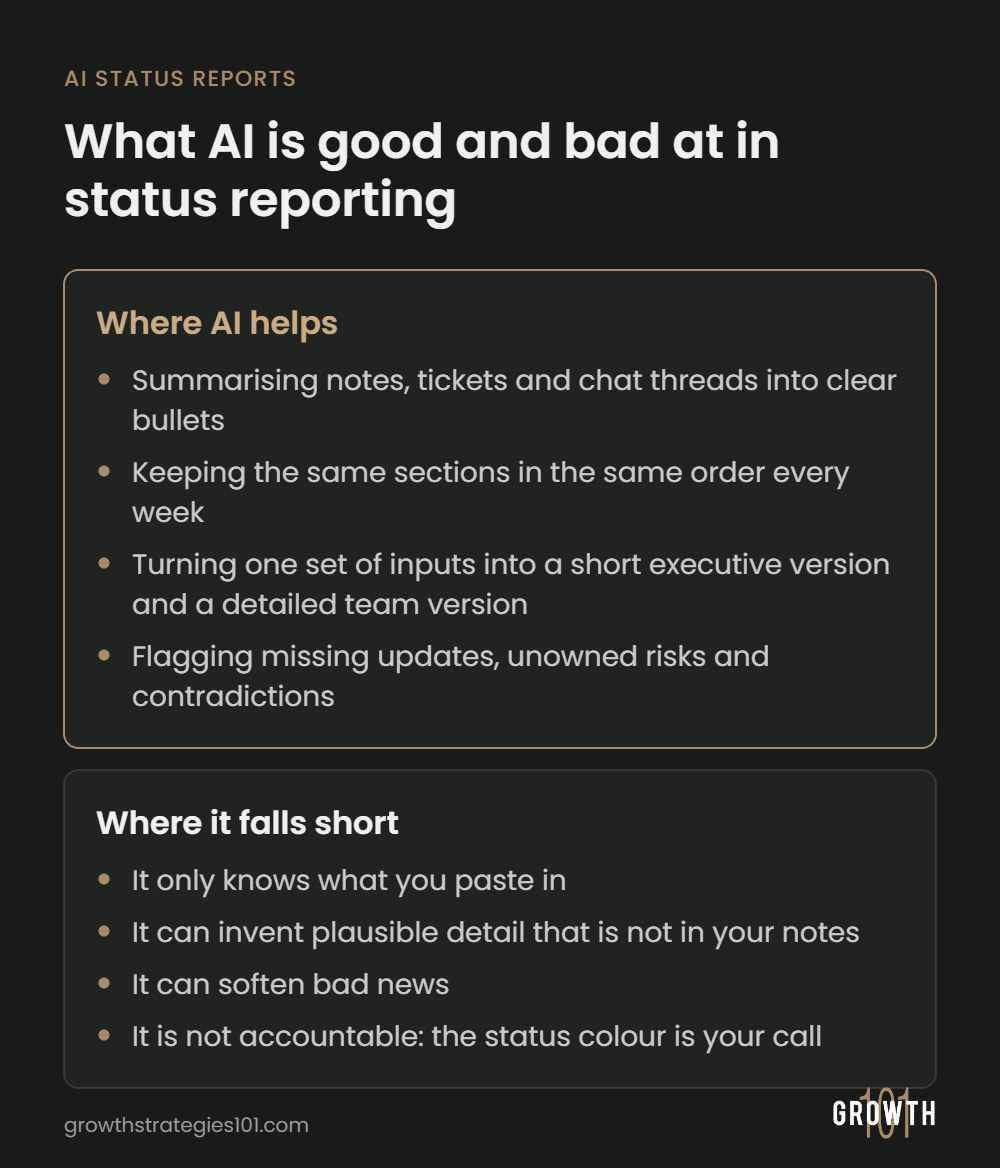
What AI is good and bad at in status reporting
Status reports suit AI because most of the work is summarising and restructuring. The judgement calls are another matter.
Where AI helps
- Summarising: condensing a week of stand-up notes, ticket comments and chat threads into a few clear bullets.
- Structure: keeping the same sections in the same order every week, so readers know where to look.
- Tone and length: turning one set of inputs into a short executive version and a detailed team version.
- Spotting gaps: flagging a milestone with no update, a risk with no owner, or notes that contradict each other.
Where it falls short
- It only knows what you paste in. A blocker missing from your notes will be missing from the report.
- It can invent plausible detail. Language models sometimes fill gaps with confident text that is not in the source, such as a date, a percentage or a reason for a delay.
- It can soften bad news. A draft can read more positively than the facts justify, which is the wrong instinct for a slipping project.
- It is not accountable. The status colour is your call, and so is what a sponsor needs to hear.
What a good project status report includes
Before you bring AI into it, be clear on what the finished report should contain. The Project Management Institute’s article on the anatomy of an effective status report stresses getting to the point, keeping it simple, and making clear what the team needs from stakeholders and by when. For most small teams that means six sections:
- Overall status: a red, amber or green (RAG) rating with a one-line reason.
- Progress since the last report: what was finished, measured against milestones rather than activity.
- Plan for the next period: what will be delivered before the next report.
- Risks and issues: each with an owner, the impact and the next action.
- Decisions or help needed: what you need from the reader, from whom, and by when.
- Key numbers: schedule, budget and scope indicators, if your stakeholders track them.
Notice that the progress section is about outcomes. A list of busy work makes a project look active without showing whether it is moving forward, a trap covered in the difference between motion and momentum in SaaS operations.
How to write a project status report with AI, step by step
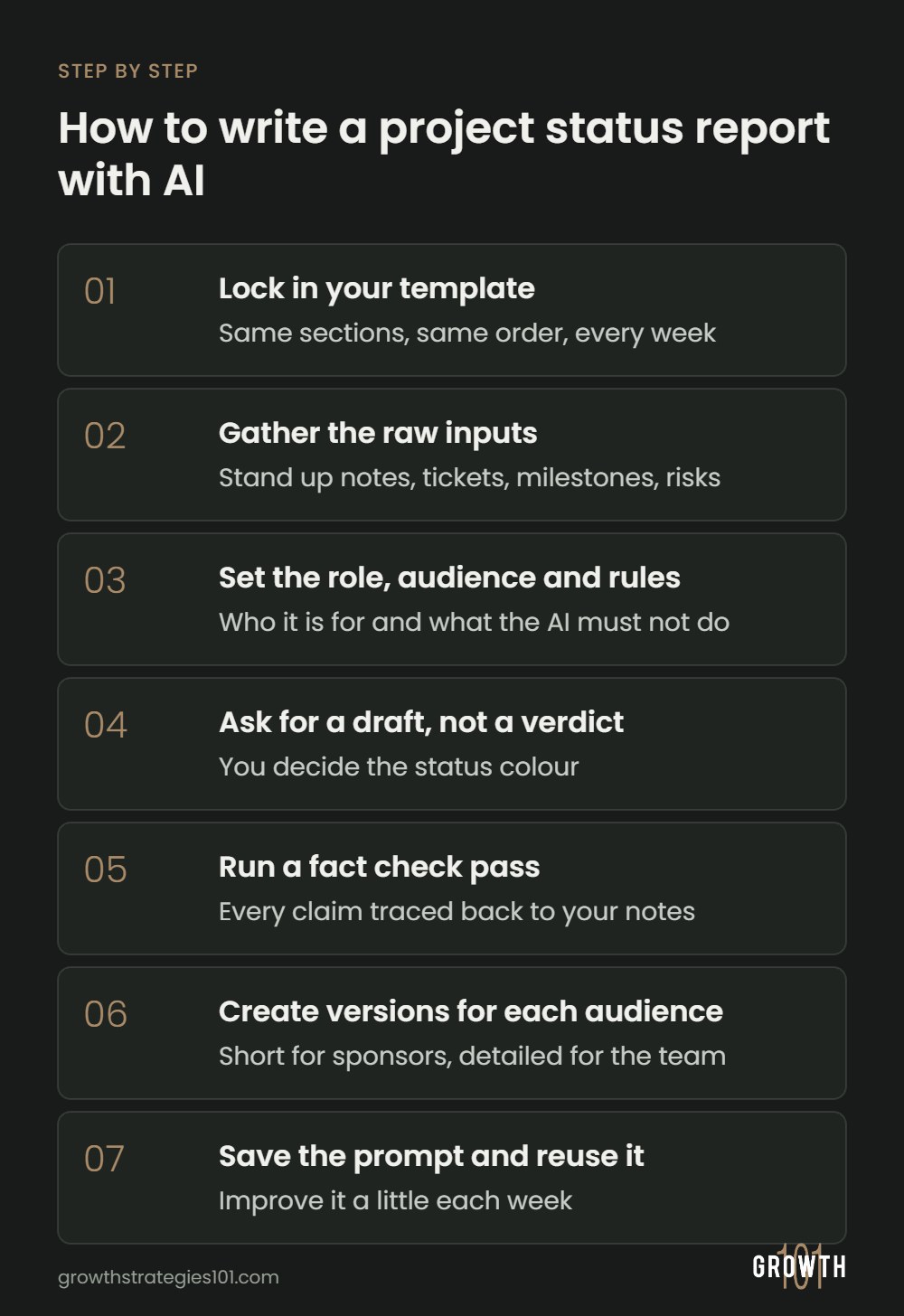
Step 1: Lock in your template
Decide your sections once and reuse them every period. Readers learn where to look, and the AI gets a clear shape to fill instead of inventing its own. Start with the template further down.
Step 2: Gather the raw inputs
The report can only be as good as what you feed in. For a weekly report, collect:
- Tasks completed, in progress and blocked, copied or exported from your tracker (CSV or plain text works well).
- Your milestone list with planned and forecast dates.
- Budget or hours used against plan, if you report on them.
- Notes from stand-ups, client calls and important chat threads.
- Your current risk and issue log.
- Last period’s report, so the AI can describe what changed.
If you copy the same exports every Friday, that step is a good candidate for automation. See how workflow automation can help your company for the basics.
Before you paste anything, check what your AI tool does with your data. OpenAI, for example, states on its business data privacy page that by default it does not use data from ChatGPT Business, ChatGPT Enterprise or its API platform to train its models (at the time of writing, November 2026). On a personal account or another tool, check its data controls first, and strip out client names, salaries and anything your contracts treat as confidential. If your team has no rules yet, start with the guide to creating a company AI policy.
Step 3: Set the role, audience and rules
Tell the AI who it is writing for and what it must not do. The most useful rule is to use only the information provided and mark anything missing rather than guess. The master prompt below builds this in.
Step 4: Ask for a draft, not a verdict
Let the AI suggest a RAG status, but make it reason against criteria you define. For example: green if every milestone is on track, amber if a milestone may slip by less than a week or a risk needs a decision, and red if a milestone will be missed or the budget is over an agreed margin. You then accept or override it, because the colour goes out under your name.
Step 5: Run a fact-check pass
Ask the AI to match every factual claim in its draft to the line of source material that supports it, and to flag anything it cannot trace. This catches invented dates, rounded numbers and tasks marked done that were only started. Then check the figures against the tracker yourself. The PMI article also recommends verifying details with more than one source, which applies whoever wrote the first draft.
Step 6: Create versions for each audience
Once the full report is right, ask for shorter versions of it: a five-line executive summary, a client-safe version without internal resourcing detail, and a detailed team version. Generate these from the checked report, not the raw notes, so every version tells the same story.
Step 7: Save the prompt and reuse it
Store your master prompt, template and RAG criteria in a shared doc or your AI tool’s saved instructions, so anyone on the team can produce the report the same way.
Copy-paste prompts for project status reports
Replace anything in square brackets. These work in most general AI chat tools.
1. The master prompt
You are helping a project manager write a weekly project status report.

Audience: [project sponsor and client lead, non-technical]
Project: [name], reporting period [dates]

Rules:
- Use ONLY the information in the notes below. Do not add facts, dates, numbers or reasons that are not in the notes.
- If a section needs something that is missing, write "[MISSING: what is needed]" instead of guessing.
- Plain English, short sentences, no jargon, no hype.
- Report outcomes against milestones, not a list of activity.
- Do not soften problems. If something is late or at risk, say so directly.

Use this structure:
1. Overall status: suggest Red, Amber or Green using these criteria: [your criteria]. Give a one-line reason.
2. Progress this period (max 5 bullets)
3. Plan for next period (max 5 bullets)
4. Risks and issues (risk, impact, owner, next action)
5. Decisions or help needed (what, from whom, by when)
6. Key numbers: [schedule, budget, scope]
7. What changed since last week's report

Notes:
[paste tracker export, milestone dates, meeting notes, risk log and last week's report]
2. Turn messy notes into progress bullets
Below are raw stand-up and meeting notes from this week. Turn them into no more than five bullets describing what was completed or moved forward, each linked to a milestone where possible. List anything that sounds like a blocker separately at the end.

[paste notes]
3. Fact-check the draft
Check the status report draft below against the source notes. Make a table with three columns: claim in the report, supporting line from the notes, and verdict (supported, not supported, or changed). Flag any number, date or status that does not match exactly. Do not rewrite the report.

Draft: [paste]
Source notes: [paste]
4. Executive summary in five lines
From the verified report below, write a five-line summary for a busy executive: overall status and why, the most important progress, the biggest risk, and the one decision needed from them with a date. No extra detail.

[paste final report]
5. Deliver bad news clearly
The project is [late / over budget / at risk] because [reason from notes]. Write the overall status paragraph so it states the problem in the first sentence, gives the impact on dates or cost, explains the recovery plan, and ends with the decision needed. Be direct and calm. Do not use phrases that downplay the issue.
A simple project status report template
Use this as the structure in your master prompt, or as a standing page in your project tool.
| Section | What goes in it | Keep it to |
|---|---|---|
| Overall status | RAG colour and the main reason for it | 1 or 2 lines |
| Progress this period | Milestones or deliverables completed or moved forward | 3 to 5 bullets |
| Next period | What will be delivered before the next report | 3 to 5 bullets |
| Risks and issues | Risk or issue, impact, owner, next action | The top 3 to 5 |
| Decisions needed | What you need, from whom, and by when | Every open ask |
| Key numbers | Forecast end date, budget used against plan, scope changes | 3 or 4 figures |
Using the AI built into your project tool
If your team already works in a project management platform, its built-in AI can skip the copy-paste step because it reads the project’s own data. At the time of writing (November 2026), two examples:
- Asana: its smart status feature drafts status updates for projects, portfolios and goals. You can add guidance to shape the draft and edit it before posting. Asana lists it on its Starter, Advanced, Enterprise and Enterprise+ tiers, with portfolio and goal updates limited to Advanced and above.
- Atlassian: its documentation describes a Draft with Rovo option on the Updates tab of projects and goals, which drafts a structured update from recent activity in connected apps. An admin has to enable AI for those apps first.
The same rules apply to built-in tools. They summarise what is recorded in the system, so a stale board produces a confidently wrong update. Check the draft, set the status yourself, and add the decisions you need.
Common mistakes to avoid
- Feeding in too little. A two-line prompt with no notes invites the AI to make things up.
- Letting the AI choose the colour. A report that is green on the outside and red underneath (often called a watermelon report) damages trust faster than an honest amber.
- Reporting activity instead of progress. “Held three workshops” tells a sponsor very little. “Requirements signed off, design starts Monday” tells them where the project stands.
- Burying the ask. If you need a decision, give it its own section with a date, not a line in paragraph four.
- Leaving in AI filler. Cut phrases like “significant progress was made” unless a number backs them up. Generic wording makes readers skim.
Pre-send checklist
- Every date and number matches the tracker or budget.
- The RAG status is your decision and the reason is stated.
- No [MISSING] markers are left in the text.
- Each risk has an owner and a next action.
- Each decision needed says who and by when.
- Nothing confidential is going to an audience that should not see it.
FAQ
Can ChatGPT write a project status report?
It can write a solid draft if you give it the facts. Paste in your task updates, milestone dates, risks and notes, give it a template, and tell it to use only that information. It cannot know your project’s real status on its own, so you still check the draft and set the overall status yourself.
Is it safe to paste project data into an AI tool?
It depends on the tool, the plan and your company’s rules. Check the data terms for the plan you actually use (see Step 2), follow your AI policy, and remove client names and confidential figures when in doubt.
How long should a project status report be?
Short enough to read in a couple of minutes, with the overall status and any decisions needed at the top and links to detail for anyone who wants it. Ask the AI to cut the draft to a target length without dropping any risks or asks.
Should I tell stakeholders that AI helped write the report?
Follow your organisation’s policy, and your client’s if you work for one. Either way, you own the content and are accountable for its accuracy.
